Operational notifications that lead to the right action
We prepare technical states so that the people responsible can see what is new, what can wait, and where action is needed. Follow-up questions and personal settings flow back through the same channel.
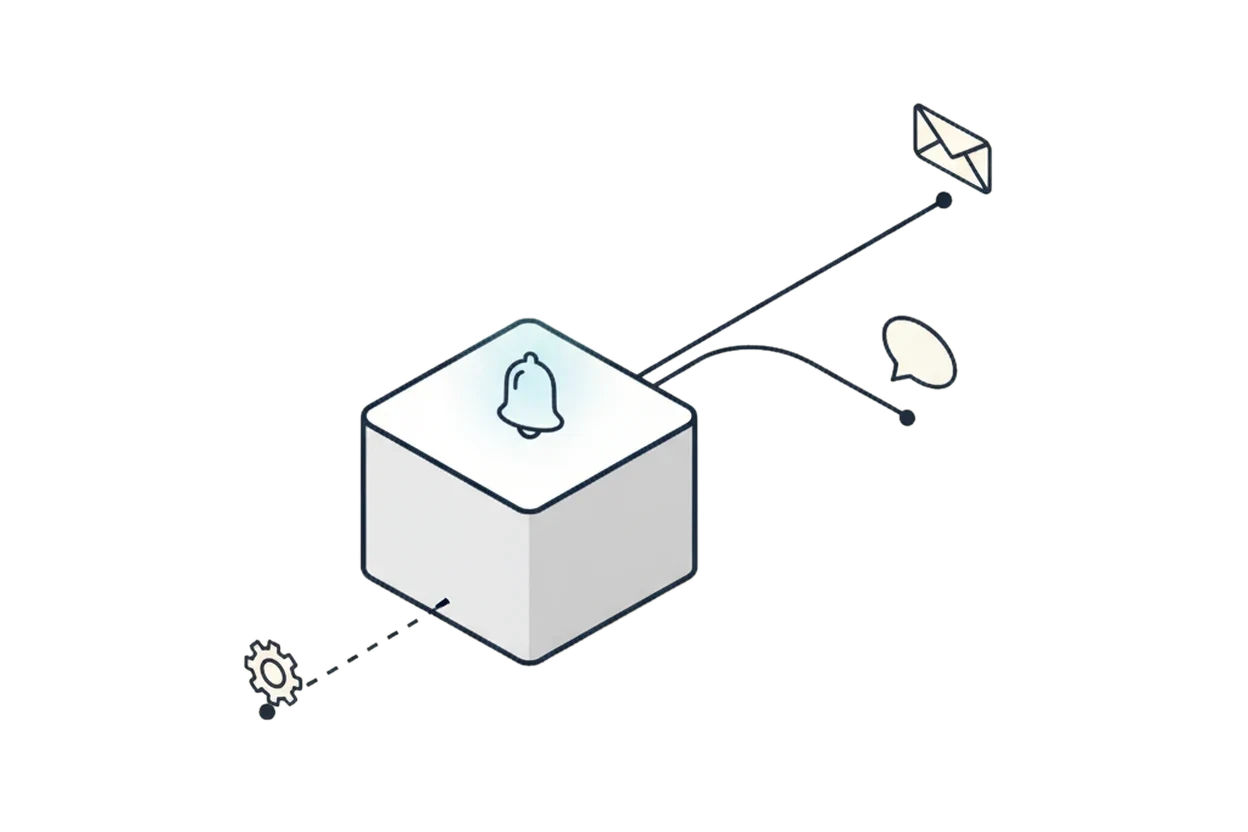
Practical setup 01Tested in our own operations
Classifying disruptions clearly and reporting them with purpose
In unattended processes, stalled operations often only come to light once someone notices the missing result. Technical error codes rarely help the people responsible.
Drawing continues to the right, scrollable sideways
Classification Tested in our own operations · abstracted, no operational data
Scope and limitations
Not part of this demo: This shows the notification path, not frequency, response time, or the operational distribution of errors.
The setup abstracts a process from our own operations and contains no operational or customer data.
Practical setup 02Tested in our own operations
Spotting changes in the daily status picture
Individual event notifications do not show whether a condition is new, whether it is growing, or whether the same known anomaly has persisted for days.
Drawing continues to the right, scrollable sideways
Classification Tested in our own operations · abstracted, no operational data
Scope and limitations
Not part of this demo: Operational figures, recipients, and run intervals stay outside the picture.
The setup abstracts our own status picture without exposing internal metrics or infrastructure details.
Practical setup 03Tested in our own operations
Steering notifications directly by replying
Notification settings usually live in separate interfaces. Follow-up questions and personal delivery preferences end up bypassing the actual conversation.
Drawing continues to the right, scrollable sideways
Classification Tested in our own operations · abstracted, no operational data One stop for a human: Reply
Scope and limitations
Not part of this demo: This does not make any claim about natural-language recognition quality or about specific recipients and mailboxes.
The setup abstracts a reply channel from our own operations.
Which notification really needs to reach someone at your organization?
We work out together which states are relevant, who should act, and what information is actually needed for that.
Schedule a conversation