Business processes that run through reliably
We connect intake, processing, and the target system into traceable workflows. Clear-cut cases continue automatically. Where a business decision is needed, the process visibly waits for a person.
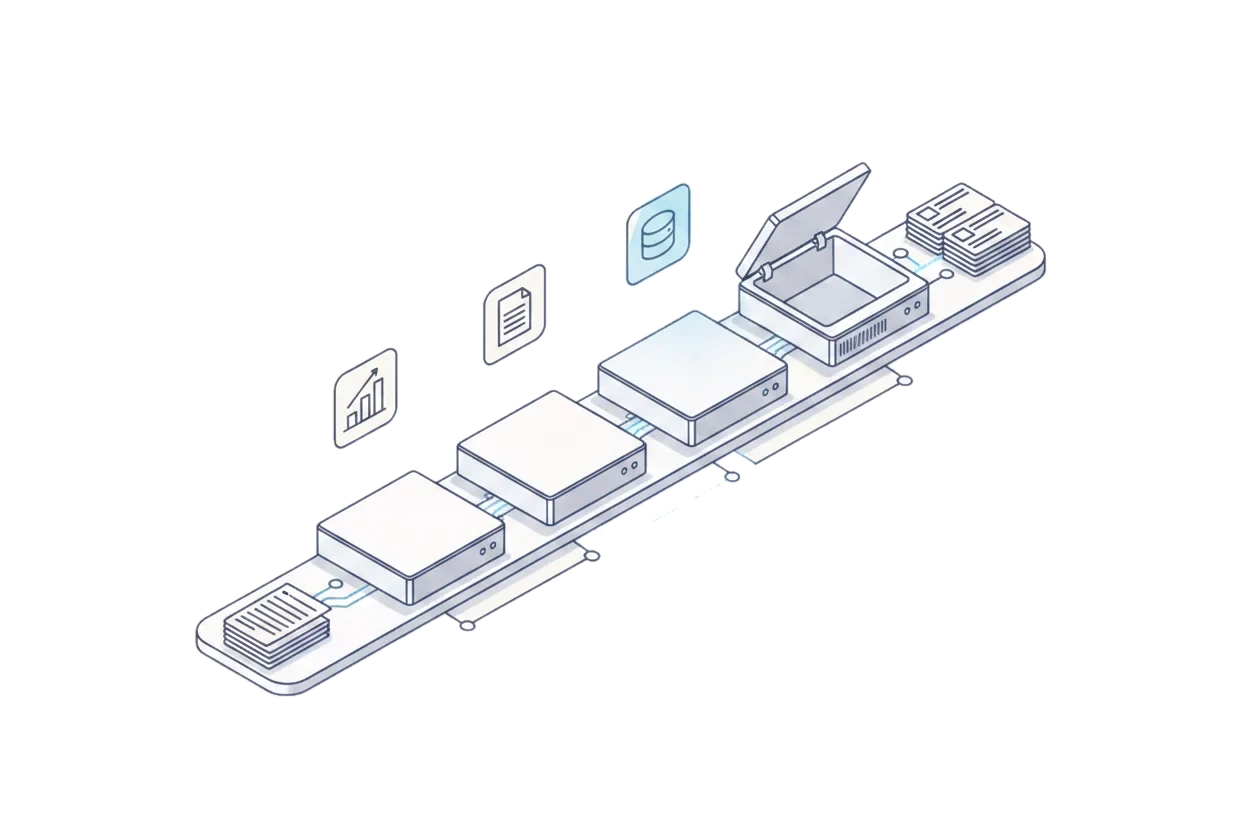
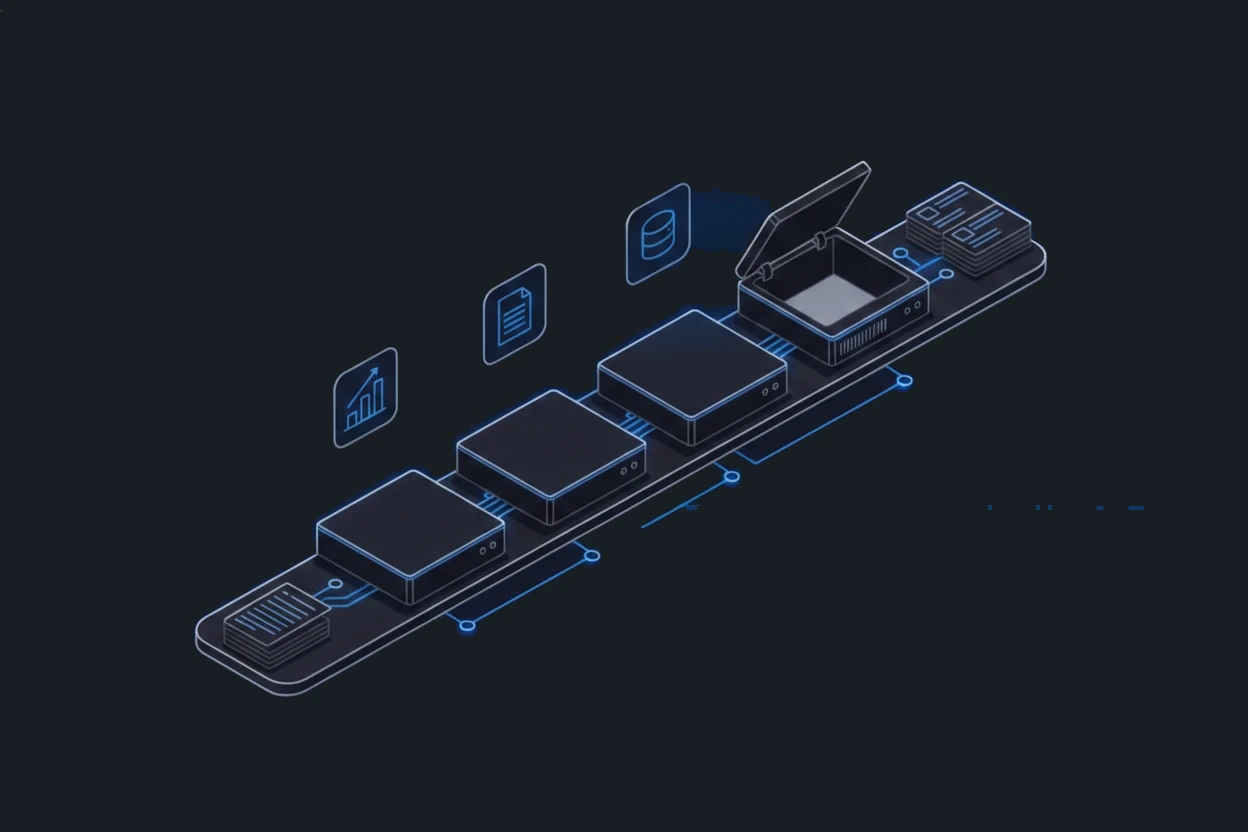
Practical build 01Reference project · in live operation
Processing e-invoices end to end
Invoices arrive, get read, get recorded in the accounting system, and then get filed. Without a continuous workflow, this creates format breaks, duplicate work, and handoffs that are hard to trace.
Drawing continues to the right, scrollable sideways
Classification Reference project · abstracted process in live operation
Scope and limitations
Not part of this demo: This shows the process path, not throughput, processing time, or error rate.
The build abstracts a delivered and operated reference process. System and customer names are replaced with roles.
Practical build 02Reference project · in live operation
Automatically presorting incoming mail
Complaints, cancellations, applications, and follow-up questions all land in the same inbox. People spend time reading and sorting them, even though many cases are clear-cut.
Drawing continues to the right, scrollable sideways
Classification Reference project · abstracted process in live operation One stop for approval by humans: Approval
Scope and limitations
Not part of this demo: How many cases are clear-cut depends on the data, the rules, and the specific field of each company.
The build abstracts a delivered and operated reference process. The categories are grouped for readability.
Practical build 03Comparison model · Human-in-the-loop
Keeping decisions with a person on purpose
Not every case may continue without a check. Critical amounts, low confidence, or business exceptions need a controlled stop.
No checkpoint
Drawing continues to the right, scrollable sideways
Classification Comparison model · automatic checkpoint
With checkpoint
Drawing continues to the right, scrollable sideways
Classification Comparison model · human checkpoint One stop for approval by humans: Decision
Scope and limitations
Not part of this demo: Threshold, frequency, and wait time are specific to each customer and therefore not part of the comparison.
The comparison model shows the principle of a human checkpoint, not a specific customer deployment.
Which process ties up the most manual work today?
Together we determine which steps can run automatically and where a business decision still has to remain in place.
Schedule a conversation