Revised on 24 September 2026. What follows describes the project as it stands today, not as it stood in June.
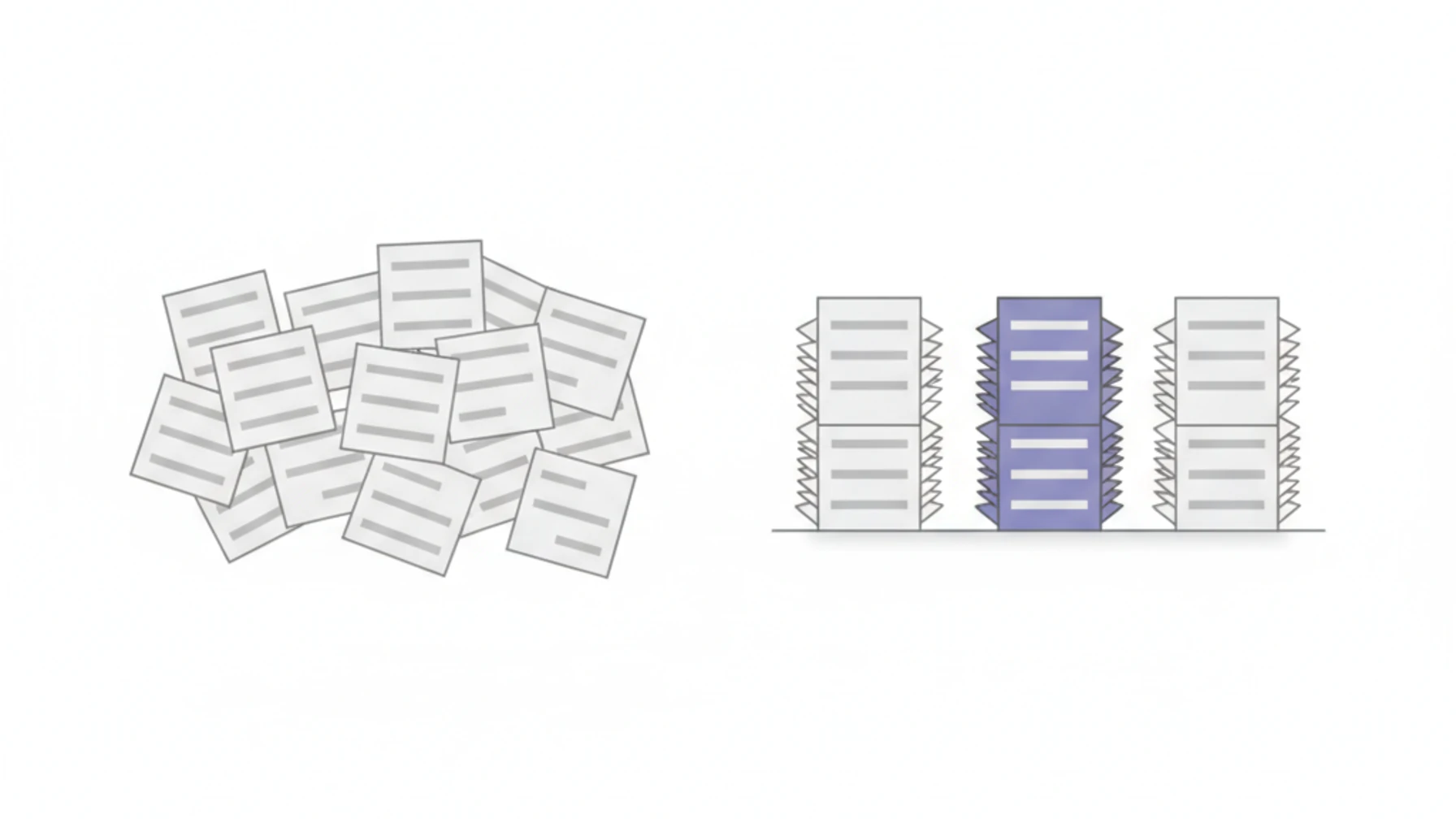
A coding agent starts every session with no memory. You explain again which client you are working for, which repos belong to it, which rules apply there and what was decided last week. Switch between clients often enough and sooner or later the agent loads the wrong context.
We had this problem every day. The fix that held up for us is not a better prompt. It is a fixed place that the agent reads at the start of every session and keeps writing to while it works. That place is called BKS open-bridge. We built it to run BKS-Lab itself and opened it under the MIT license in June.
What BKS open-bridge is
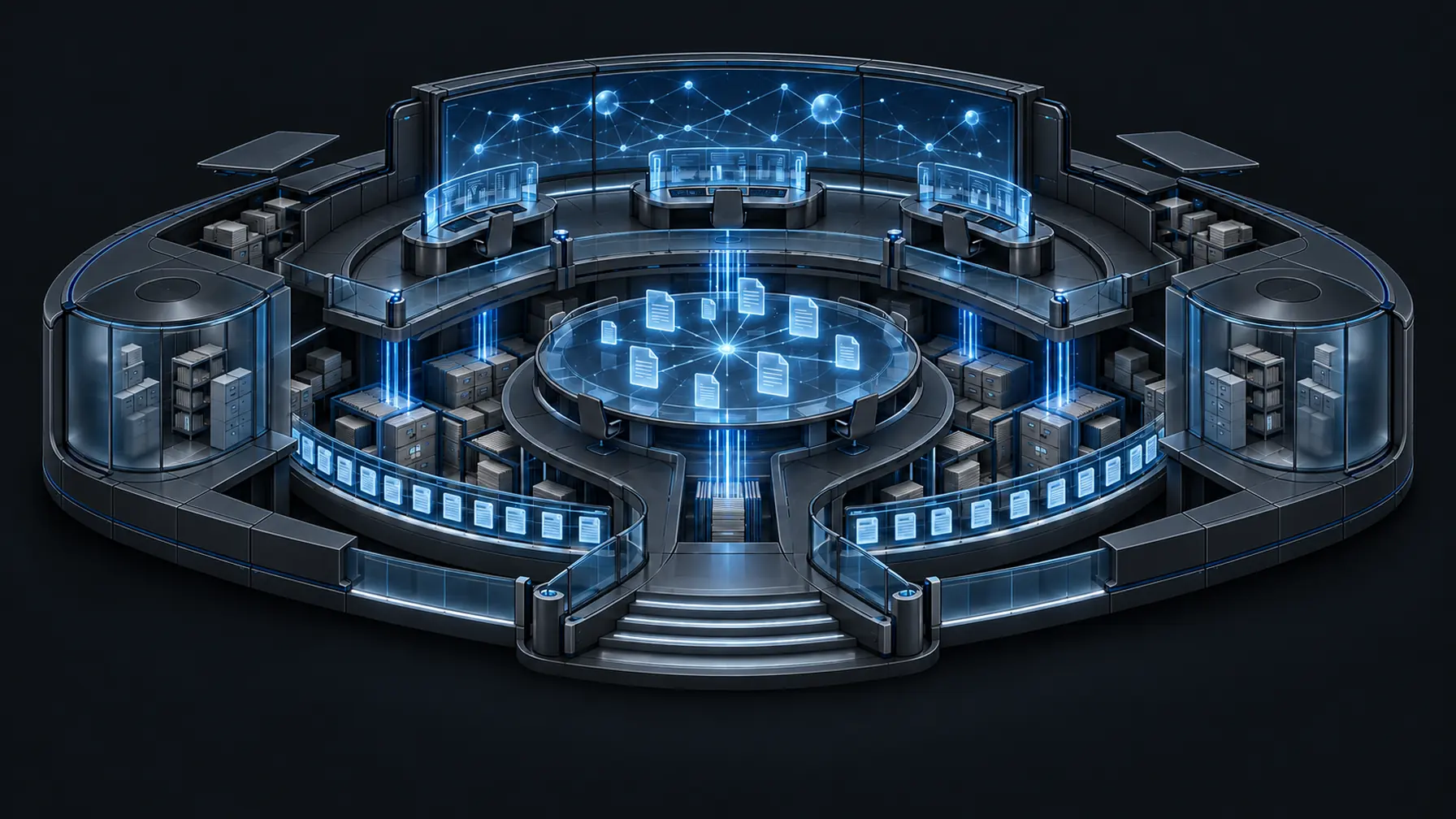
BKS open-bridge is a git repository of markdown and YAML files. The agent reads it at the start of every session, whatever model or tool sits behind it. Nothing runs: no database, no service, no second app. It is files you own.
That has a practical consequence. There is no black box to trust. Every file the agent reads can be opened with cat, diffed and versioned. What you write into it today, an agent will still read in six months, without a migration and without a vendor.
Here is what a morning looks like. Asked “good morning”, the agent in the shipped example answers:
Morning. You're mid-incident on bigcorp: Stripe webhook retries are
failing in prod (P1, opened yesterday). Root cause traced to the
webhook secret; next step is the retry fix. startupxyz onboarding:
email-verification wired, 6 tests green. Board: 2 doing · 1 review ·
cart-a11y waits on PR #214.
Every item in that answer comes from a file in the repo. Open the work log next to it and you can see where.
How it is laid out
Three folders describe your world, a fourth describes the work:
your-bridge/
├── identity/        who am I, whom do I send to
├── infra/           what runs where, how do I reach it
├── workflow/        what happens when
└── work/
    ├── board.md     generated task board
    ├── log.md       daily work log
    ├── tasks/       work that ends
    ├── streams/     work that never ends
    └── done/        closed, filed by month
Every task is a folder with a STATUS.md. A small YAML header at the top holds status, priority and origin, free text follows below. Status has exactly four values: backlog, doing, review, done. The board is generated from those folders and never edited by hand, so it cannot drift.
The log is the real memory. Every finished step gets a row the moment it lands, with date, time, project and what happened:
| 2026-06-24 14:30 | 📝 | bigcorp | logged the webhook root cause in the task STATUS, next step: the retry fix |On top sit the skills: commands such as /briefing for the morning or /debrief, which turns a call into a protocol, proposed tasks and a draft mail. They all live in one folder that Claude Code, Codex and Copilot CLI find alike. Standing orders add fixed rules that apply in every session.
Why not just a CLAUDE.md
A CLAUDE.md is a single instruction sheet. For one repo that is enough. Anyone looking after several clients, roles and repos needs three things a single sheet does not provide.
- Separate worlds. Each client gets its own context, and for companies with their own data we run separate, closed instances. Nothing from one project ends up in another project’s summary.
- A record across sessions. Board, log and task status outlive the conversation.
- Updates without losing data. The shared template lives on
main, your data on a privateuser/{name}branch. The two touch different paths, so agit mergestays free of conflicts. A push guard stops the private branch from ever reaching a public repository. General improvements flow back through/bridge-promote, as a pull request with a content check.
What changed since June
Three months of daily use confirmed some things and corrected others.
Context grows quietly. What the agent reads before its first answer grows with every new rule and every new skill, and nobody notices. Today that part has a fixed ceiling in bytes, and the tests fail when it is exceeded. Everything else is an index: one line per repo or client, with the full entry fetched only when its name comes up.
“Where is that written down?” became the most common question. There is now a table that maps questions in everyday words to the file that answers them. A check makes sure every link in it resolves.
One example was not enough. The first example was an agency with two clients. The instance that sees the most use, though, belongs to one person with several roles: consultancy, freelance work, household, a home server. That shape now ships as a second example.
The first outside contribution is in. On 24 September the first contribution from an outside developer was merged, a GitLab issues integration. Open starter tasks are listed on GitHub.
Where it honestly stands
In June this section said “one instance, no outside users”. Today the BKS-Lab team works on its own instances every day, and besides those there are closed instances run for other companies. That is not a broad user base, and we do not claim one.
What is proven, what is a bet and what is open is kept in one place: the ROADMAP. Claude Code is tested most thoroughly. Codex and Copilot CLI work through AGENTS.md and the same skill folder. For Gemini CLI and Cursor we lack first-hand experience, and there are starter tasks open for exactly that. The value of a first session stays thin until the log fills with real work.
Safety gets the same sober treatment. The agent proposes, a person decides. Anything that leaves the machine or deletes something needs approval per action. The agent does not send a mail without an explicit yes. Secrets never live in the repository, only references such as azure-keyvault:// or keychain://. The repository itself sends nothing, no telemetry, no analytics. These are rules the agent follows, not an operating-system sandbox.
In the lab
On our lab page, interactive stands show what this looks like in operation: a bridge from which everything runs, context that grows from session to session, and tasks that hold beyond the session.
Why we show how we work
BKS open-bridge is not a side product. It is the repository we run BKS-Lab from, with the same rules, commands and approvals our agents follow every day. Anyone who wants to know how an agent at our company handles a client mail or a deployment does not have to take our word for it. They can read the rule.
My own instance shows how seriously we mean that. Since 4 July its work log has collected 4,072 rows, 164 tasks are closed, and the repository has 2,426 commits since 20 June. On 24 September alone, 112 log rows were added. Client projects, admin, this article: everything runs through the same bridge.
What everyone can use is open. What concerns only BKS-Lab lives in a private company overlay: shared skills, client contexts, board configurations and company rules, currently 115 files. A new colleague clones BKS open-bridge, subscribes to the overlay with one command, and has a bridge on day one that knows our clients, boards and routines. Their own changes take precedence, and company updates arrive by sync.
Why MIT
We could have kept the core internal. But if markdown in git is the right foundation for agent context, that holds for everyone who works with agents. MIT covers code and content alike, so there is exactly one way to reuse it. A separate trademark policy protects only the name and the logo, because licenses cover copyright, not brands.
How to start
You do not have to clone anything by hand. The BKS open-bridge website has a ready-made text to copy. Paste it into Claude Code, Codex or Copilot CLI and the agent sets up your own instance: a private repository as the destination, BKS open-bridge only as the source of updates, the push guard. It shows its plan first and waits for your yes. Then you start a new session in the new folder, and the setup asks what you want to use the bridge for.
If you first want to see how it feels, you need no setup at all. The repository ships an example agency with a live board, two days of log and an open incident:
git clone https://github.com/bks-lab/open-bridge.git
cd open-bridge/examples/agency && claude    # or: codex, copilot
Ask “good morning” there, then “where was I on the payment retry?”. Everything the agent answers is in the files next to it.
If you prefer to do the setup yourself step by step, the install guide walks the path.
It is early. If you hit a rough edge, the most useful thing you can do is open an issue.
- Source: github.com/bks-lab/open-bridge
- Website and demo: bks-lab.github.io/open-bridge
- Lab: BKS open-bridge in operation